
Understanding CPU Generations. Avoid Buying Refurbished Products as 'new'.
- Jack Russell

- Apr 22, 2025
- 3 min read
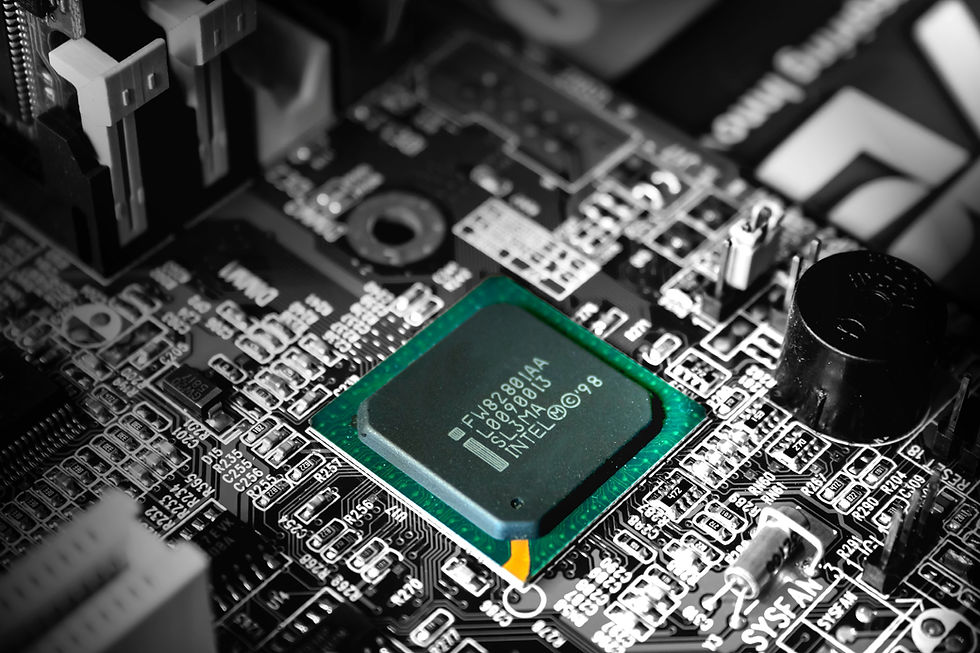
When shopping for a new computer, understanding CPU generations can save you from accidentally purchasing outdated or secondhand equipment at premium prices. (On a budget, there is nothing wrong with saving some money on a refurbished device, as long as you are not being told the device is new when it isn't). This guide will help you understand Intel CPU generation ages to make more informed buying decisions.
About Intel
Intel Corporation remains one of the world's leading semiconductor manufacturers, designing and producing processors and other hardware components that power everything from personal computers to data centers. Founded in 1968 and headquartered in Santa Clara, California, Intel continues to shape the computing landscape through ongoing innovation.
The company maintains its position in the competitive processor market through substantial investments in R&D, consistently advancing its manufacturing processes and architectural designs. Beyond processors, Intel's portfolio includes motherboard chipsets, network interface controllers, integrated graphics, solid-state drives, and various other computing technologies.
In recent years, Intel has faced increasing competition from rivals like AMD and Apple's custom silicon, pushing the company to accelerate innovation across its product lines. Intel has also doubled down on sustainability initiatives, working toward net-zero greenhouse gas emissions in its operations and increasing the use of renewable energy across its manufacturing facilities.
With operations spanning more than 50 countries and partnerships with leading technology companies worldwide, Intel remains a cornerstone of the global computing ecosystem despite recent competitive challenges.
Intel CPU Generations Timeline (1978-2025)
Understanding Intel's processor generations helps you gauge the relative age and capabilities of any system you're considering:
Early Processors
8086/8088 (1978) - The original x86 architecture
80286 (1982)
80386 (1985)
80486 (1989)
Pentium Era
Pentium (1st generation, 1993)
Pentium Pro (1995)
Pentium II (1997)
Pentium III (1999)
Pentium 4 (2000)
Pentium M (2003)
Core Architecture
Core (1st generation, 2006)
Nehalem (1st generation, 2008)
Sandy Bridge (2nd generation, 2011)
Ivy Bridge (3rd generation, 2012)
Haswell (4th generation, 2013)
Broadwell (5th generation, 2014)
Skylake (6th generation, 2015)
Kaby Lake (7th generation, 2016)
Coffee Lake (8th generation, 2017)
Whiskey Lake/Amber Lake (8th generation refresh, 2018)
Coffee Lake Refresh (9th generation, 2018)
Comet Lake (10th generation, 2020)
Rocket Lake (11th generation, 2021)
Hybrid Architecture Era
Alder Lake (12th generation, 2021-2022) - First mainstream hybrid architecture
Raptor Lake (13th generation, 2022-2023)
Meteor Lake (14th generation, 2023-2024) - First chiplet-based consumer design
Arrow Lake (15th generation, 2024-2025) - Current generation
Understanding Intel's Naming Conventions
Intel's processor naming has evolved significantly over the years, but current models follow this general pattern:
For Desktop and Laptop CPUs:
Intel Core i9/i7/i5/i3: Performance tier (i9 highest, i3 lowest)
Number sequence: First two digits indicate generation (e.g., 14xxx = 14th gen)
Suffix letters: Designate special features
K: Unlocked (overclockable)
F: No integrated graphics
H: High performance mobile
U: Ultra-low power
P: Performance for thin laptops
HX: Highest performance mobile
For Current Generation (2025):
The 15th gen Arrow Lake processors use model numbers starting with "15" (e.g., Core i9-15900K).
Spotting Outdated Hardware
When buying a computer, check these processor-related factors:
Generation number is at least 2-3 generations behind current (anything older than 11th gen is now outdated)
Price doesn't align with the processor age
Missing modern features like PCIe 5.0, DDR5 support, or Thunderbolt 4
Remember that processor generations older than five years may still work fine for basic tasks but will likely have significantly worse power efficiency, performance, and security compared to modern chips.
By understanding Intel's generation numbering system, you'll be better equipped to evaluate the true value of any computer system before purchasing.


Comments